Ask a question, and Arguium can read your Notion, Linear, Jira or calendar to answer it, then shows you what it read.
Each connection is called an MCP server (MCP, the Model Context Protocol, is a common way for AI apps to read other tools).
Set it up once. Then just ask.
Every service you can connect is listed, with what Arguium can read there.
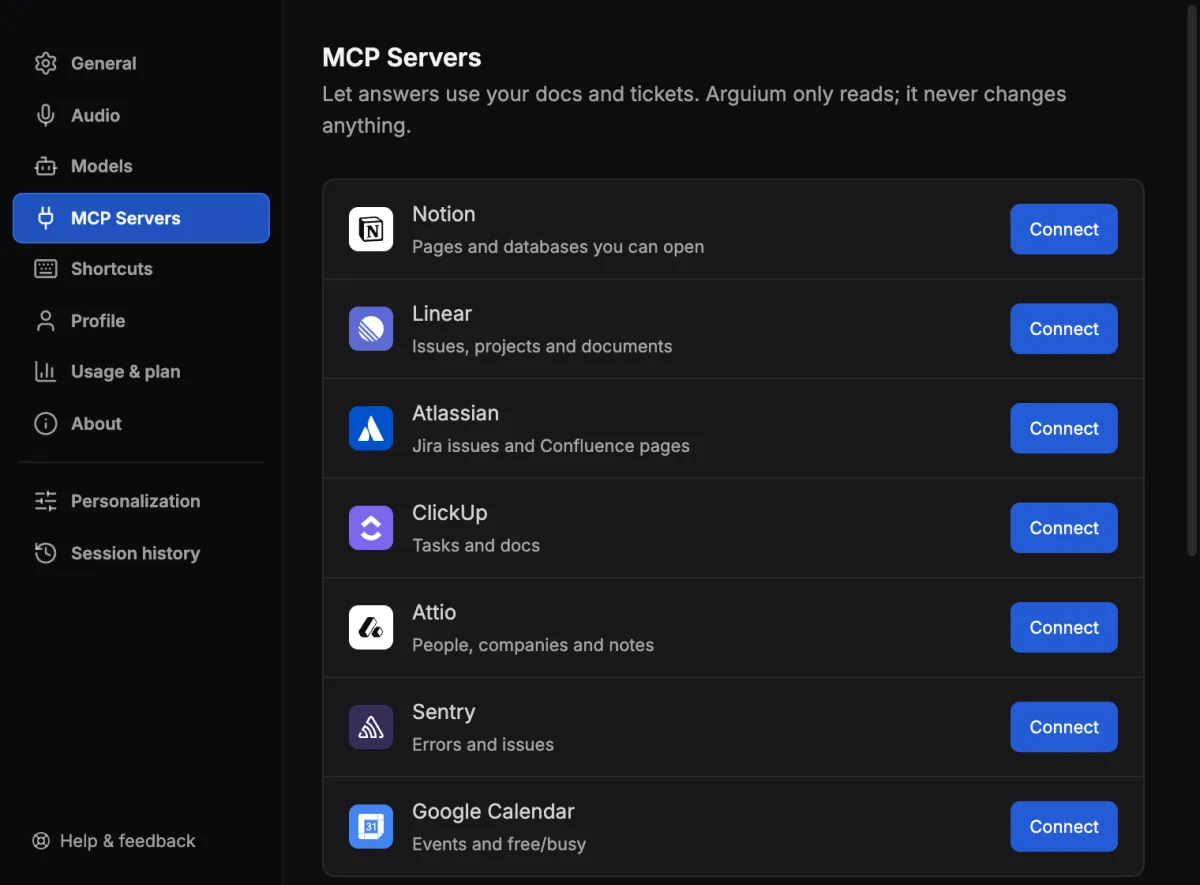
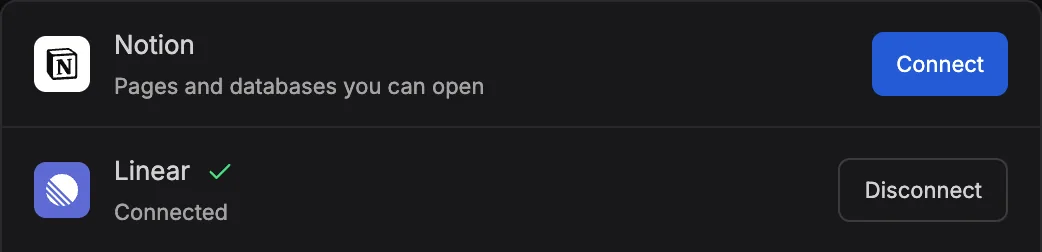
You sign in in your browser, not in Arguium. The row then says Connected.
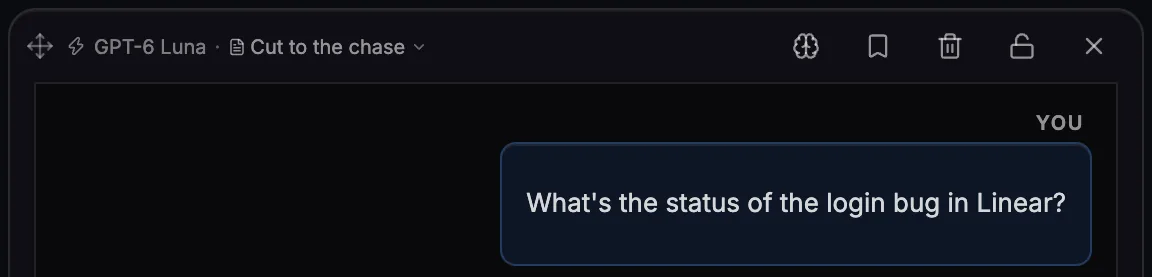
Type a question that needs your workspace. On a call, select Look up under a line or an answer.
Or press ⌘ ⇧ A (Ctrl Shift A on Windows).
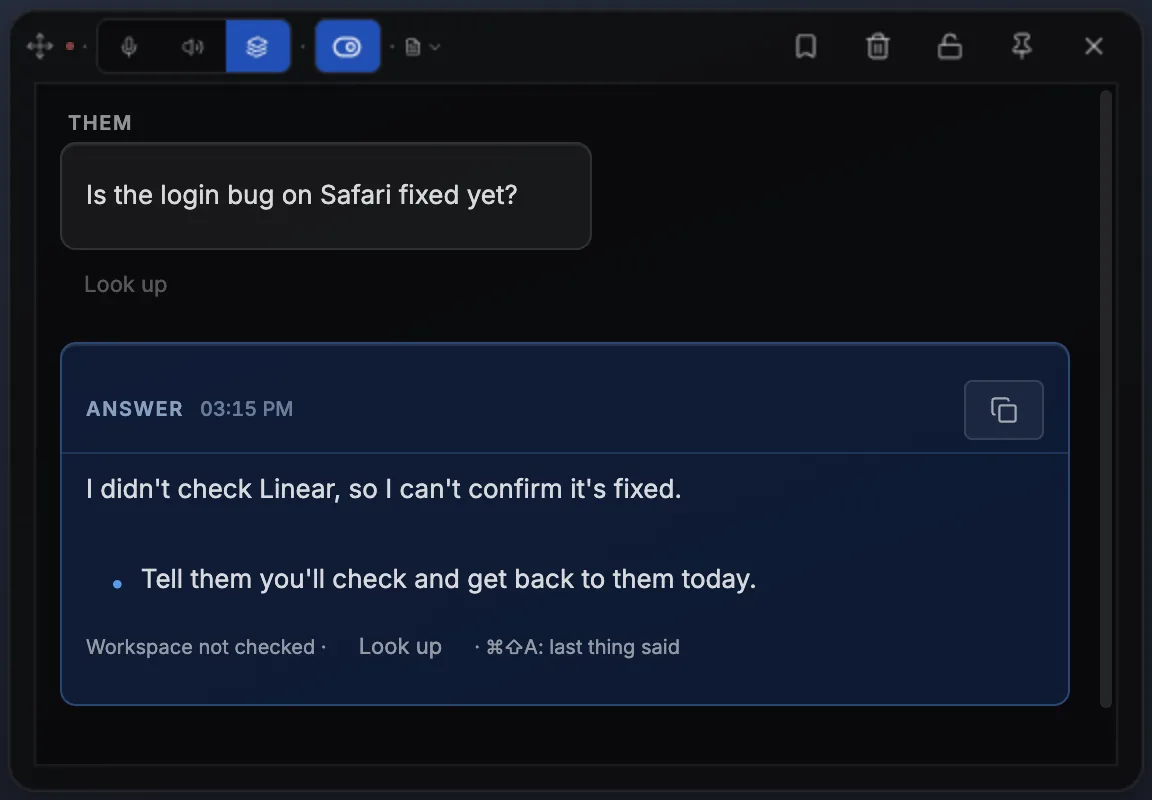
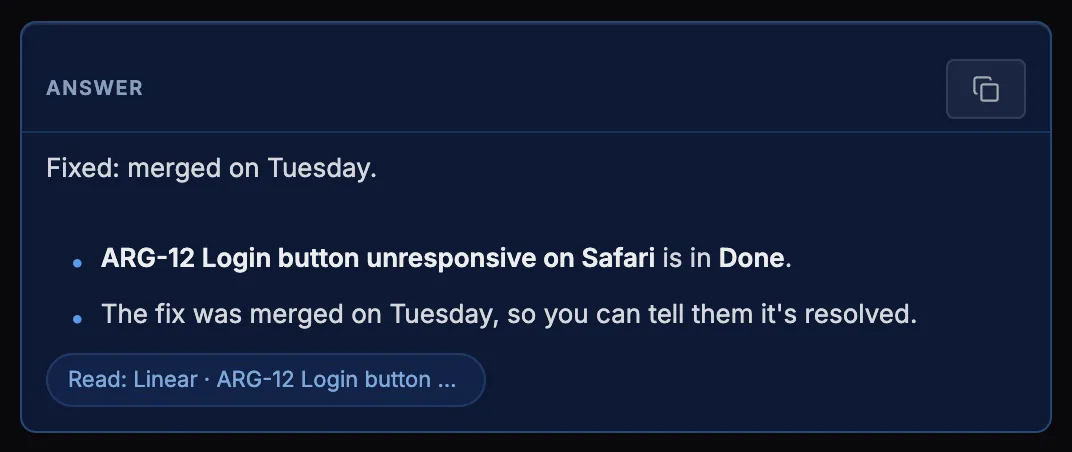
The answer comes with a Read: Linear label naming what it opened.
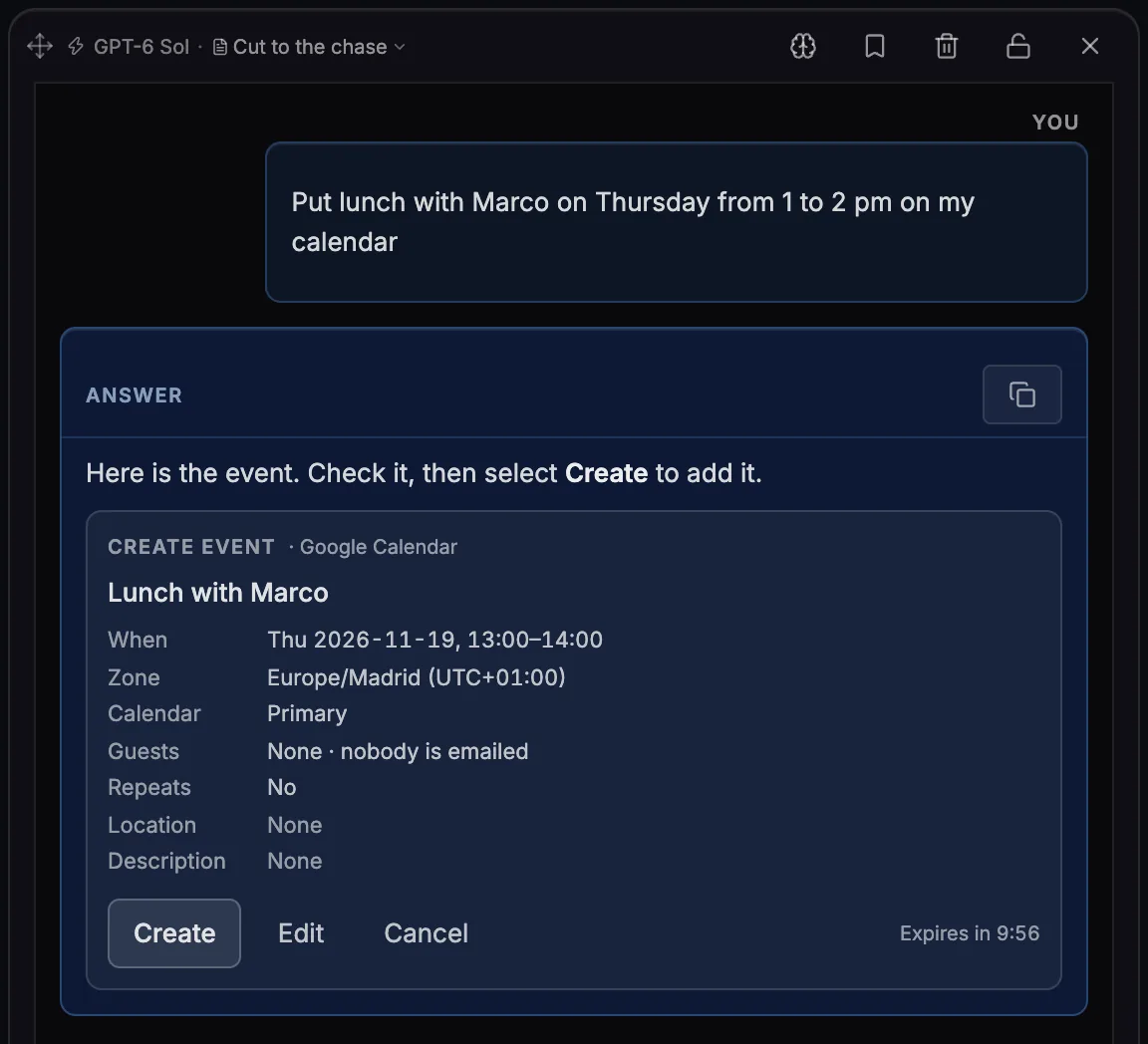
Ask in Chat, or by voice with Answer this or Tap to answer, with GPT-6 Sol on Arguium’s credits. Nothing is added until you select Create.
Name the service, or just ask. The answer says what it read.
Notion, Linear, Atlassian, Jira, Confluence, ClickUp, Attio, Sentry and Google Calendar are trademarks of their owners. Arguium is not affiliated with them.
No. Arguium only reads, through a fixed list of reading tools built into the app; it never creates, changes or deletes anything there. The one exception is Google Calendar: Arguium can add an event, only after you select Create.
Notion, Linear, Atlassian (Jira and Confluence), ClickUp, Attio, Sentry and Google Calendar. With Premium, also up to 5 MCP servers of your own.
To the AI provider that writes the answer, with your question: through Arguium with credits, or straight to your provider with your own API key. Your sign-in to the service stays on your computer.
Free connects one service; Premium connects all of them and adds custom servers.